
Video Walkthrough
Text Walkthrough with Screenshots
If you've placed an online order for products, you can check on your order's status as well as view all your orders from your client portal.
Steps:
- Sign into the client portal at https://www.awaken180weightloss.com/users/sign_in. If you have trouble signing in you can follow the instructions here.
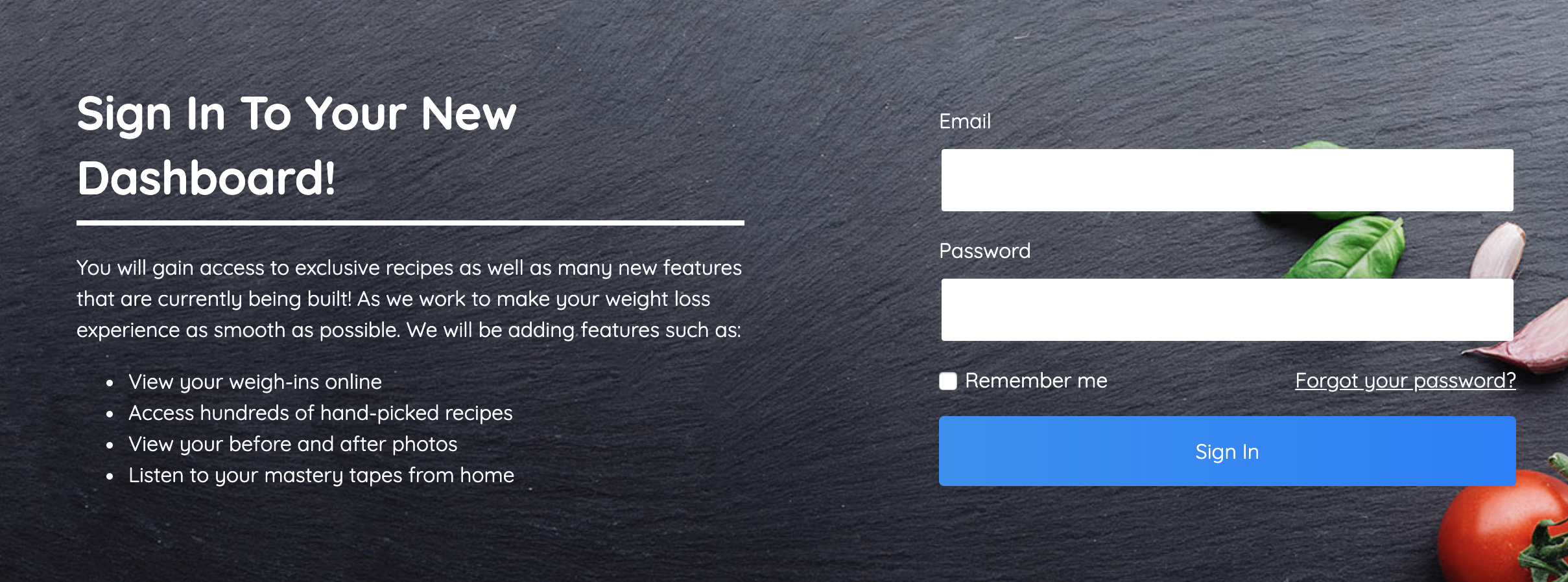
- After signing in you will be redirected to your client portal. You can also access the portal by visiting https://www.awaken180weightloss.com/clients/profile (you will need to be signed in).
- Click the Food Orders tab in the left sidebar
- You will be redirected to the page where you can see all your food orders!
- Date Submitted
- Link to order (click it to see the products you chose)
- Whether or not you submitted the order. You should see a green checkmark once you submit an order. If you do not, click the link to the order (#2) and ensure you've finalized the order
- Whether or not we've completed your order (no tracking details are available on our website but once UPS picks up the package, you should receive an email with tracking)
Comments
0 comments
Please sign in to leave a comment.